Course contents
- 01Variables
- 02Primitive Data Types
- 03Operators
- 04Conditionals
- 05Arrays
- 06Array methods and properties
- 07Objects
- 08Functions
- 09Callbacks
- 10Arrow functions
- 11Promises
- 12Async and await
- 13Loops
- 14DOM Manipulation
- 15Syntax parser
- 16Execution context and hoisting
- 17Call stack
- 18WebAPI and setTimeout
- 19Closures
- 20Function Constructors and Prototypes
- 21By value vs by reference
Objects
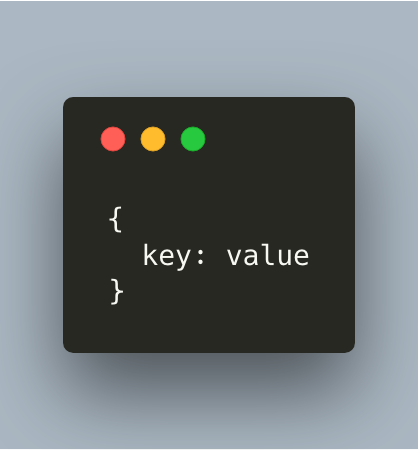
An object is a collection of related data. We use brackets and key/value pairs in order to store this data.
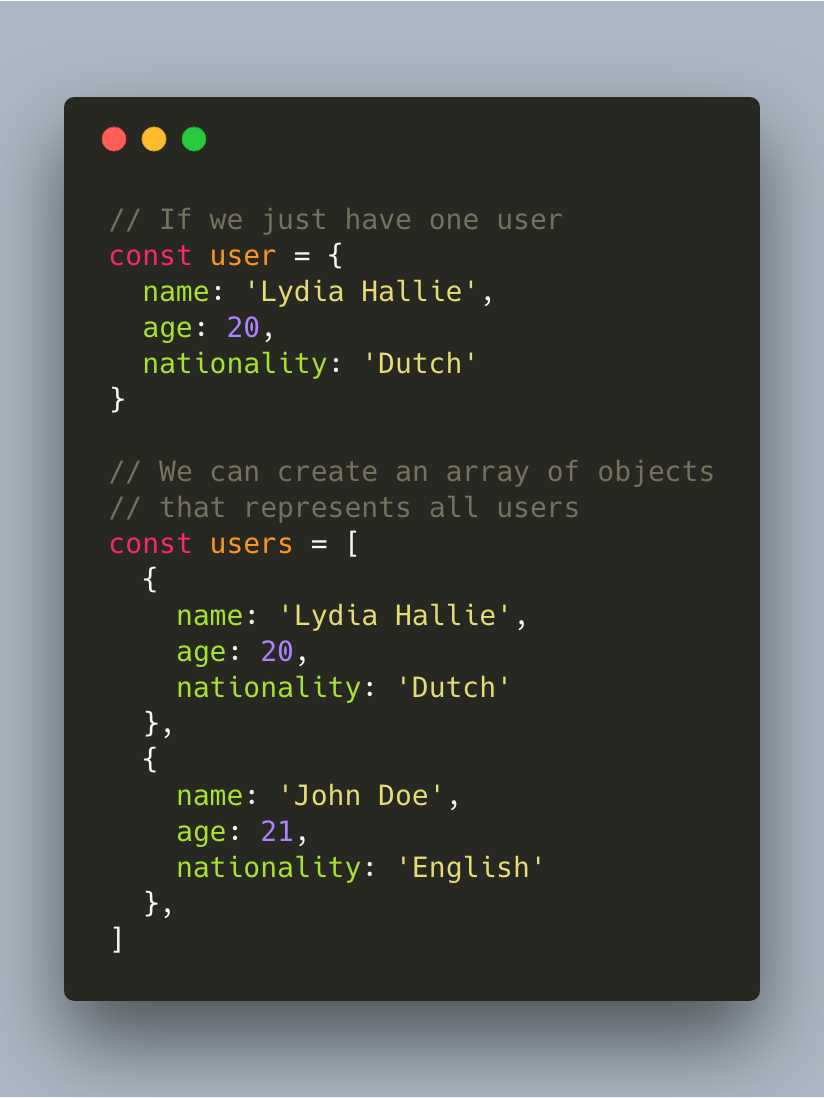
Let’s say that we want to have an array of people that signed up to our website. We want to get information about the name, age, and nationality of that person. We would define all this data in an object, where every object represents a different user.
There are two ways to manipulate the data in an object, or to get access to the stored data: dot notation, and bracket notation.
Dot notation
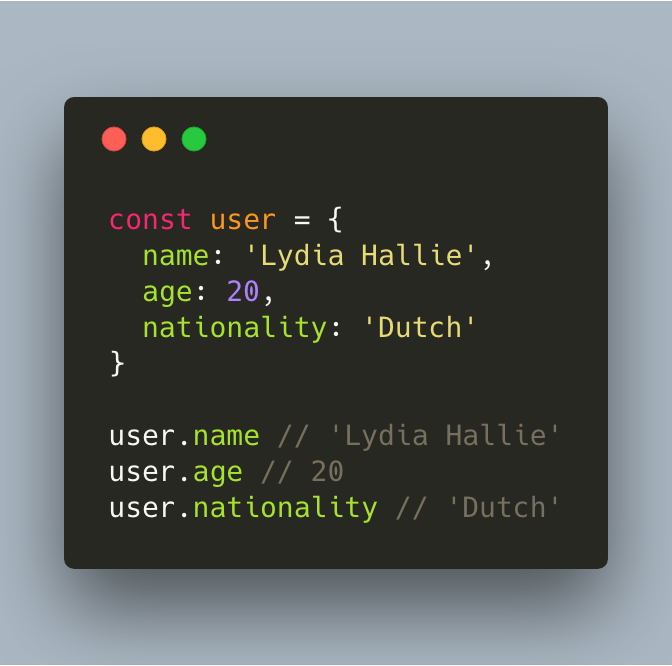
In order to get access to values in an object, you can use dot notation. If we take the user example, that would look like this:
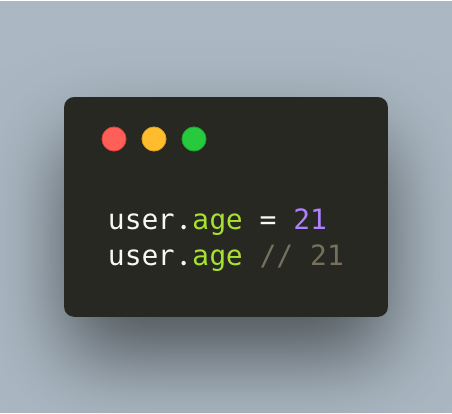
We can also manipulate the data. Let’s say that this user just turned a year older!
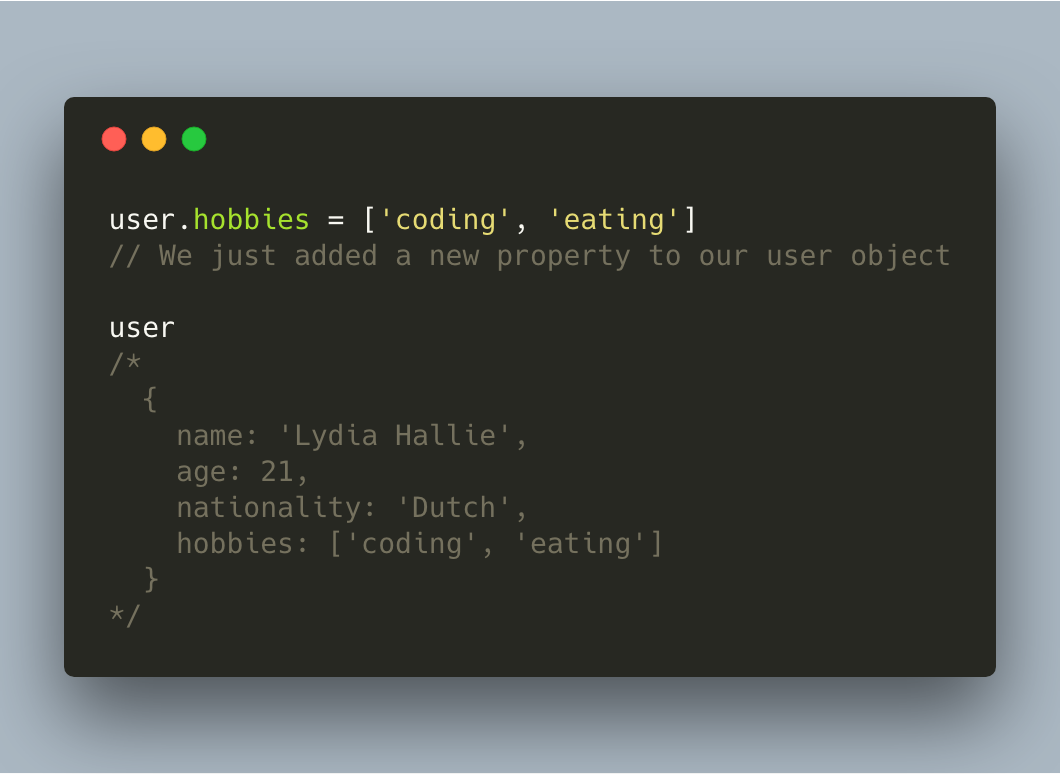
Or we can add entirely new properties!
Bracket notation
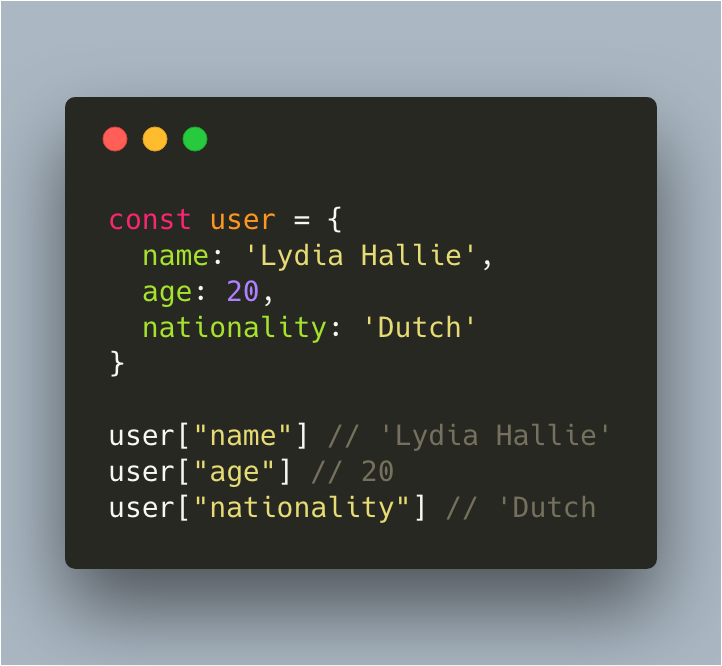
Another way to access values in an object is by using bracket notation. We pass the stringified key from which we want the value in between the brackets.
However, there are some differences between bracket notation and dot notation, besides the syntax!
Bracket notation vs. dot notation
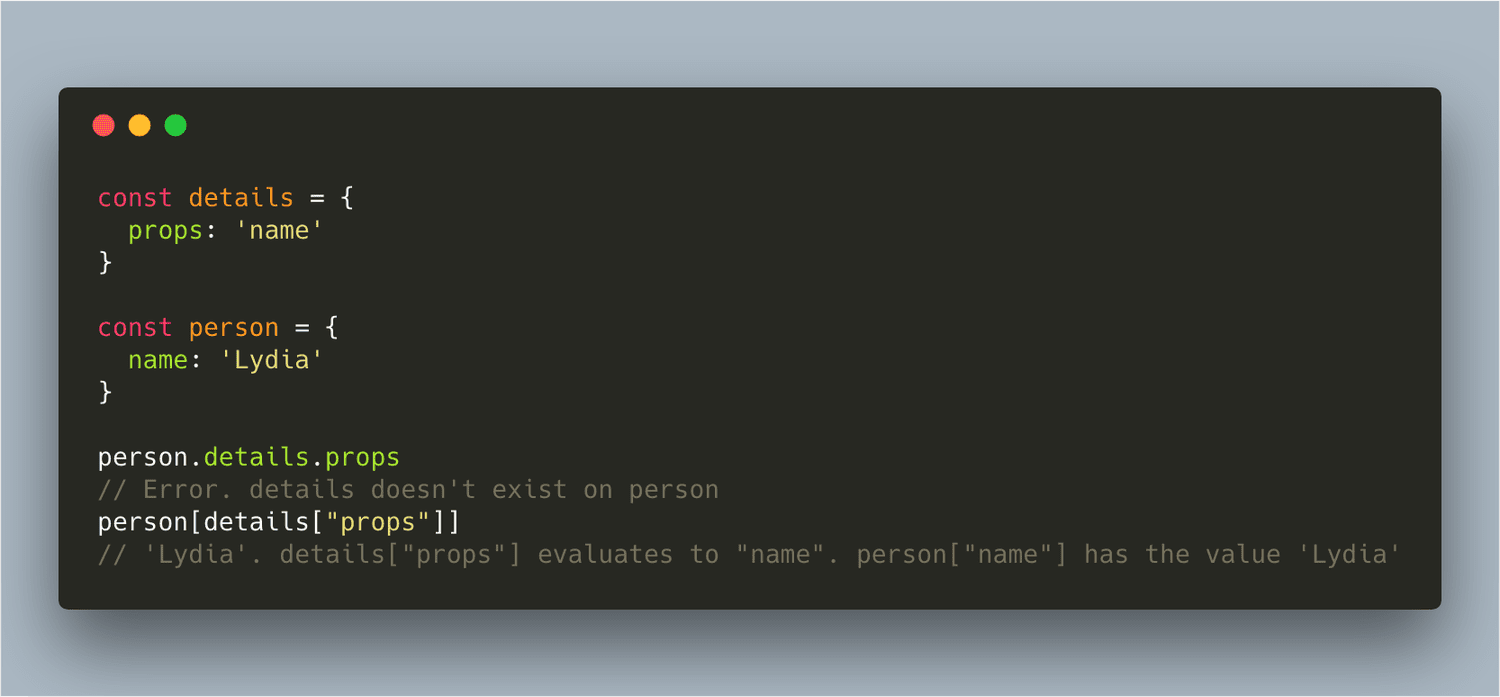
In JavaScript, all object keys are strings. Even though we might not type them as a string, they are always converted into strings under the hood. This might lead to issues when using the dot notation, example:
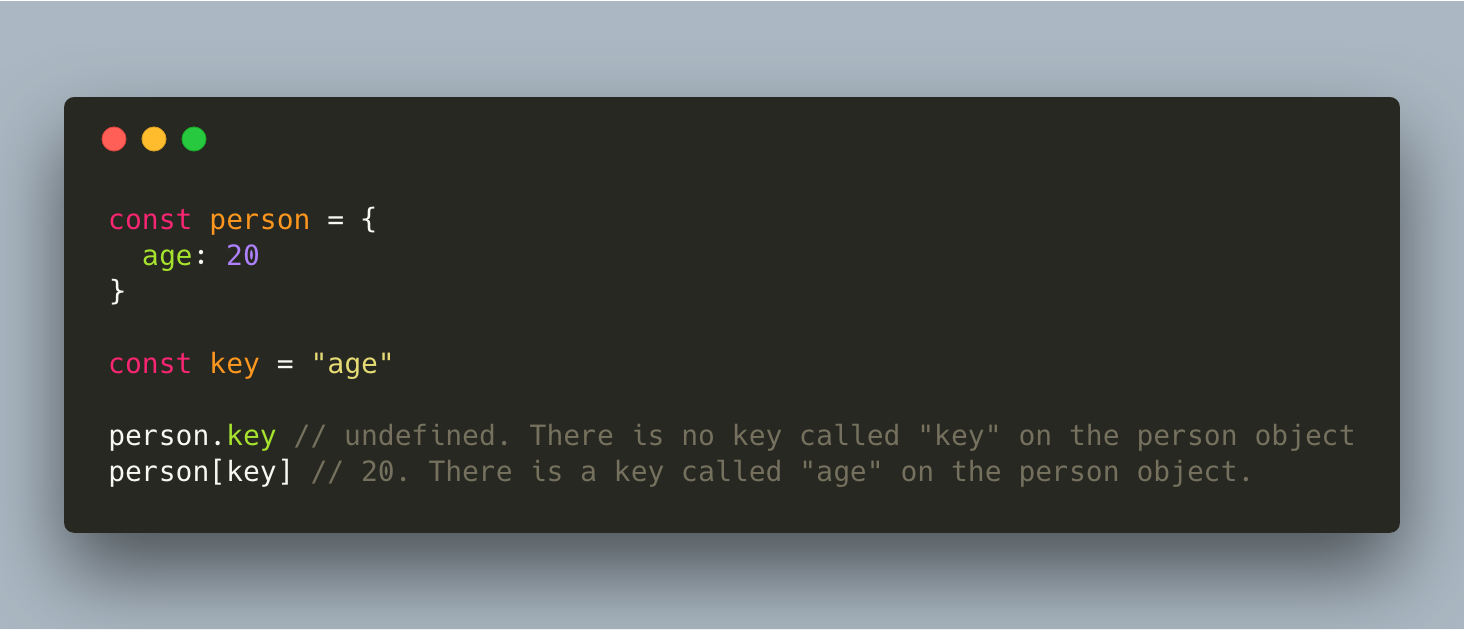
person.x returned undefined, because JavaScript started looking for a key that was called "x"(a string, because object keys are strings), rather than the value of the variable. We didn’t have a key/value pair with a key called "x", so person.x returned undefined. Dot notation only lets you access the explicit key name of a property.
person[x] returned 19, because JavaScript interprets (or unboxes) statements. It sees the first opening bracket [, and keeps on going until it finds the closing bracket ]. Only then, it will evaluate the statement.
Object methods
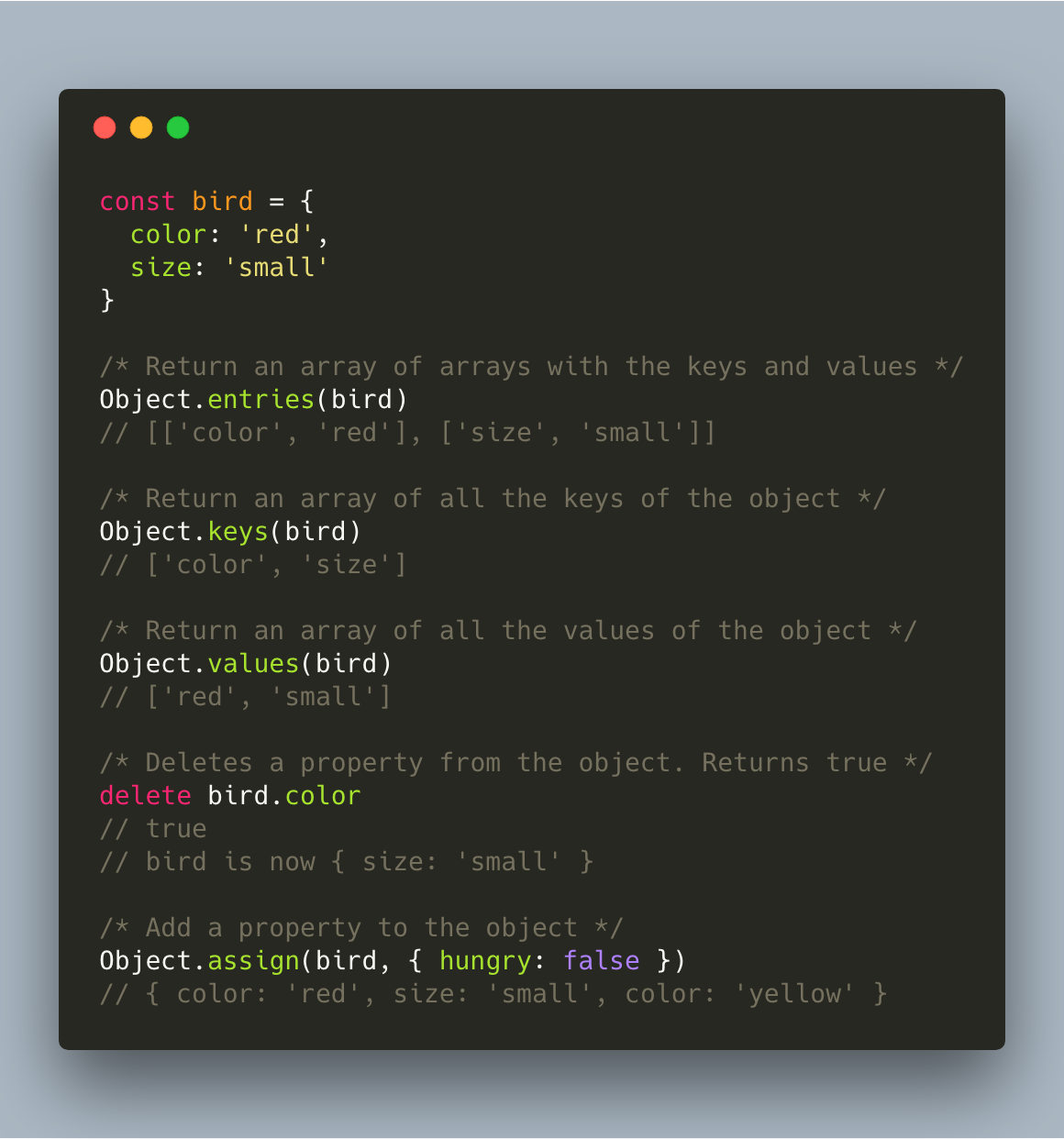
There are many different methods you can use in order to get, manipulate, or delete data from objects. The most common are:
References and further reading
- MDN: ObjectThe base object and its static methods.
- MDN: Working with objectsA guided tour of object syntax.