Course contents
- 01Variables
- 02Primitive Data Types
- 03Operators
- 04Conditionals
- 05Arrays
- 06Array methods and properties
- 07Objects
- 08Functions
- 09Callbacks
- 10Arrow functions
- 11Promises
- 12Async and await
- 13Loops
- 14DOM Manipulation
- 15Syntax parser
- 16Execution context and hoisting
- 17Call stack
- 18WebAPI and setTimeout
- 19Closures
- 20Function Constructors and Prototypes
- 21By value vs by reference
DOM Manipulation
JavaScript can:
change, create and remove HTML elements + attributes.
change all the CSS styles in the page.
respond to all existing HTML events in the page.
In order to do so, you manipulate the Document Object Model (DOM). The DOM is created when the webpage is loaded. The document, which is accessible in the window object in a browser, is the root node (the element that’s on top of the tree), and has access to all other nodes (HTML Elements).
We have a super simple website that just has a title in the head, and only a link in the body. All elements are defined as objects.
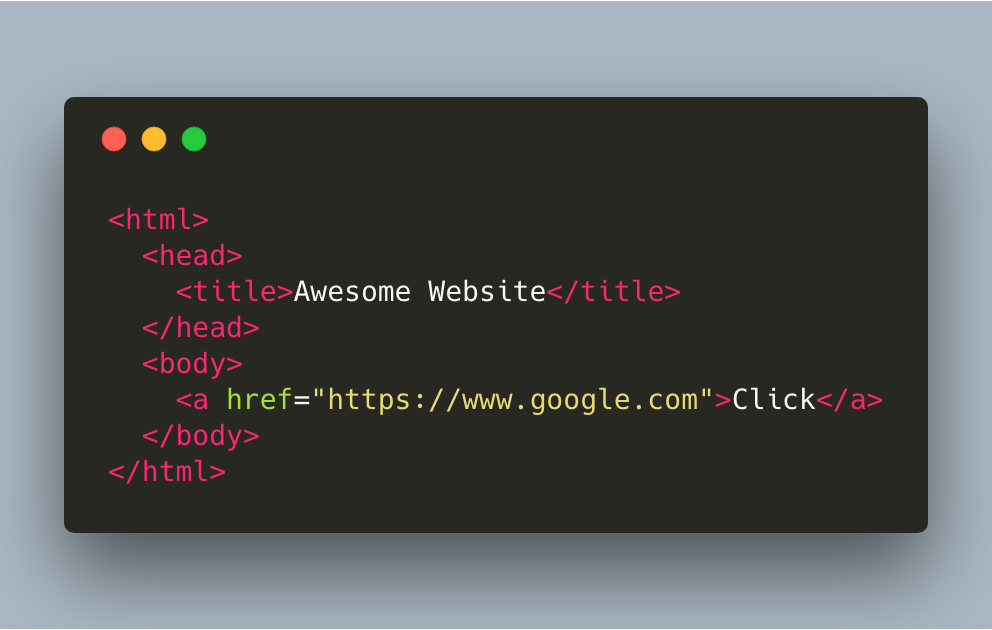
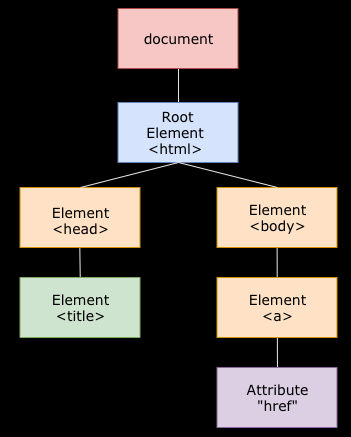
By usingaDOM method, you can manipulate the content of the HTML elements.
By using a DOM property, you can access the property of HTML elements.
Here’s a list of the most common methods and properties:
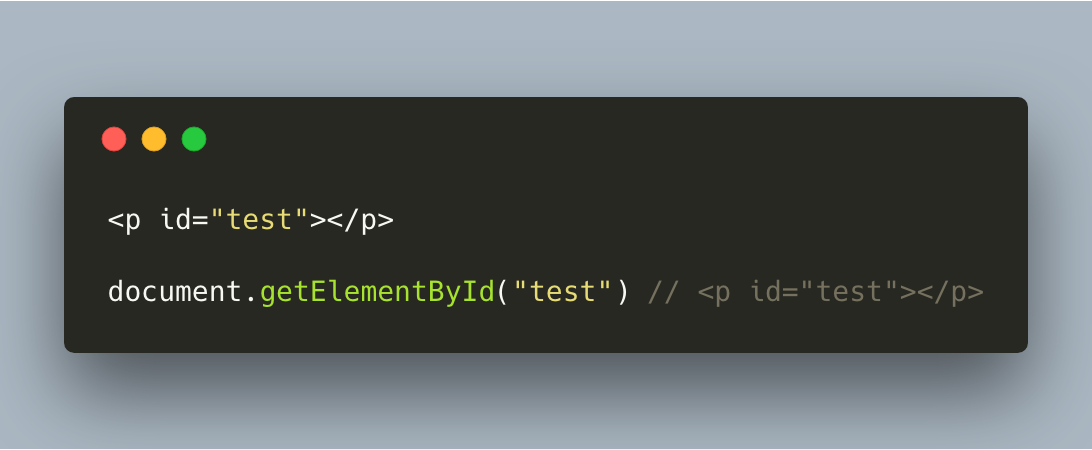
document.getElementById
Returns an element object representing the element whose id matches the string.
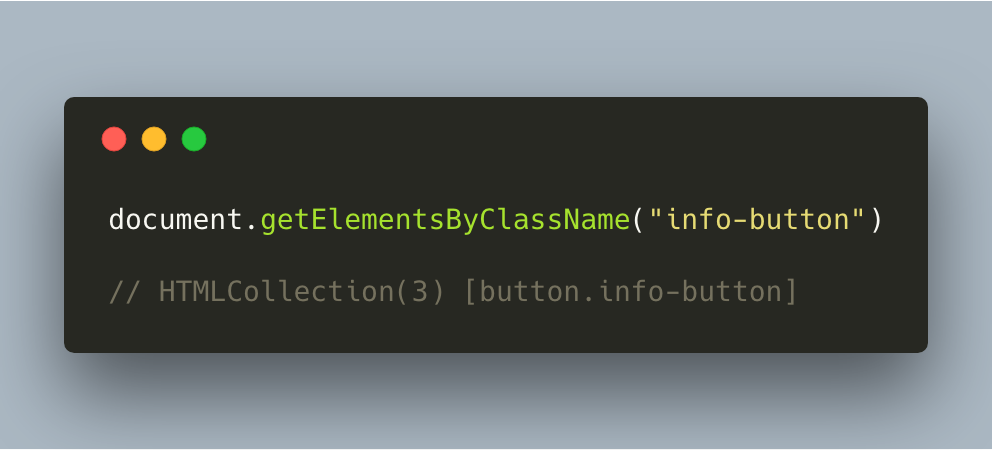
document.getElementsByClassName
Returns a node list representing the element whose class name matches the string.
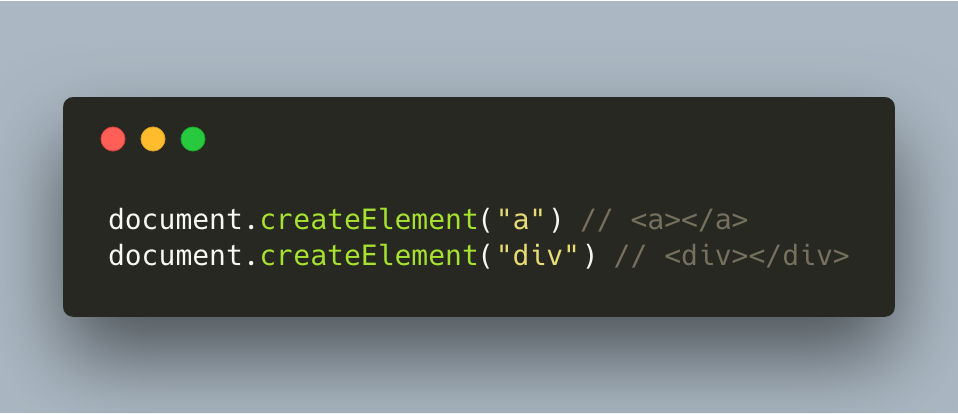
document.createElement
Creates the HTML element specified by its tagname. Tag names are for example div, p, h1, a, etc.
document.querySelector
Returns the first element within the document that matches the specified selector, or group of selectors.
If you want to get an item through its id attribute, make sure to use a #. If you use a classname, you need to specify the dot, else you write the entire tag.
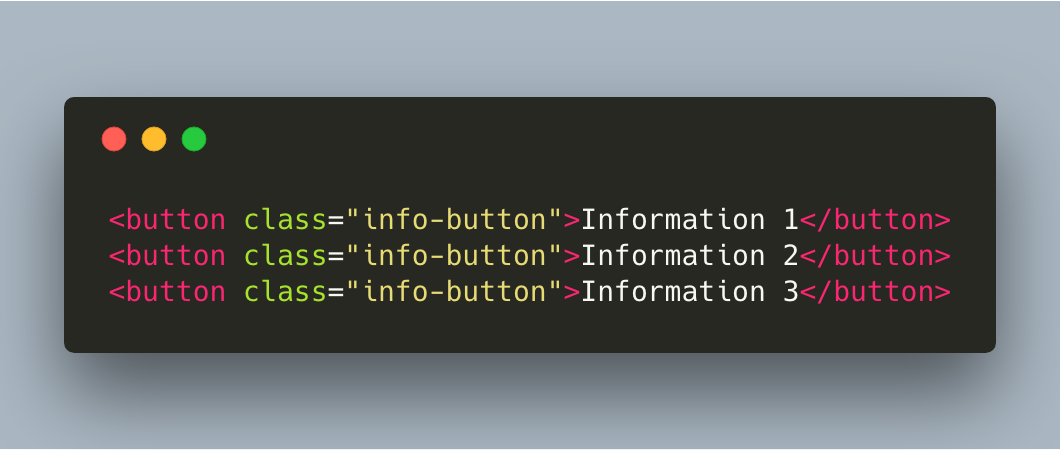
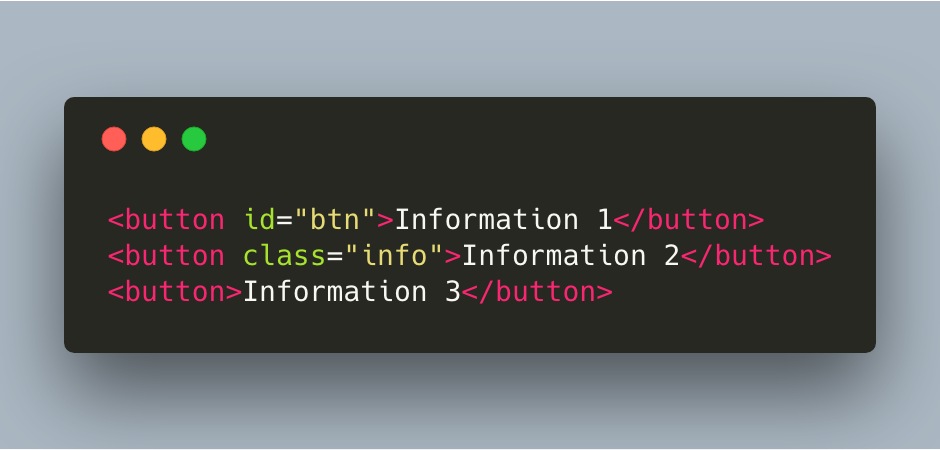
We have three buttons, two of them have an attribute.
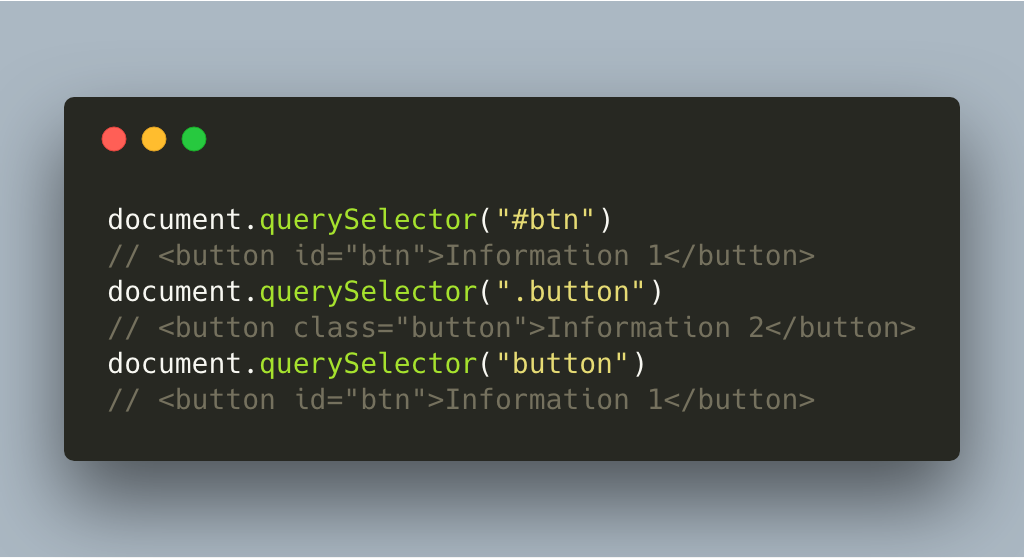
We never accessed the third button, as the querySelector only returns the first element it finds.
parentNode.appendChild
Appends a node as the last child of a node. For example, if we want to create a div with a paragraph in it:
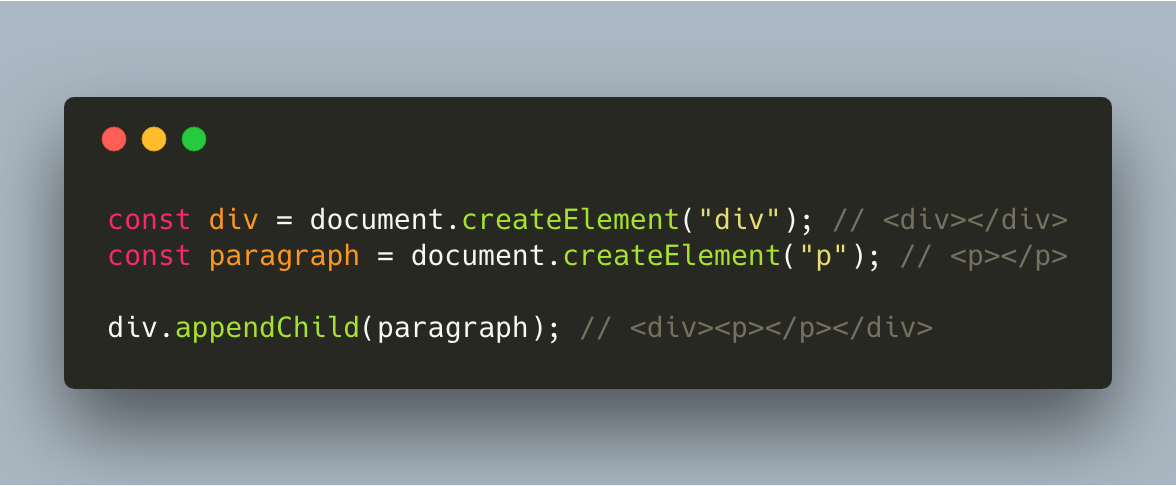
You add text to the paragraph by using document.createTextNode.
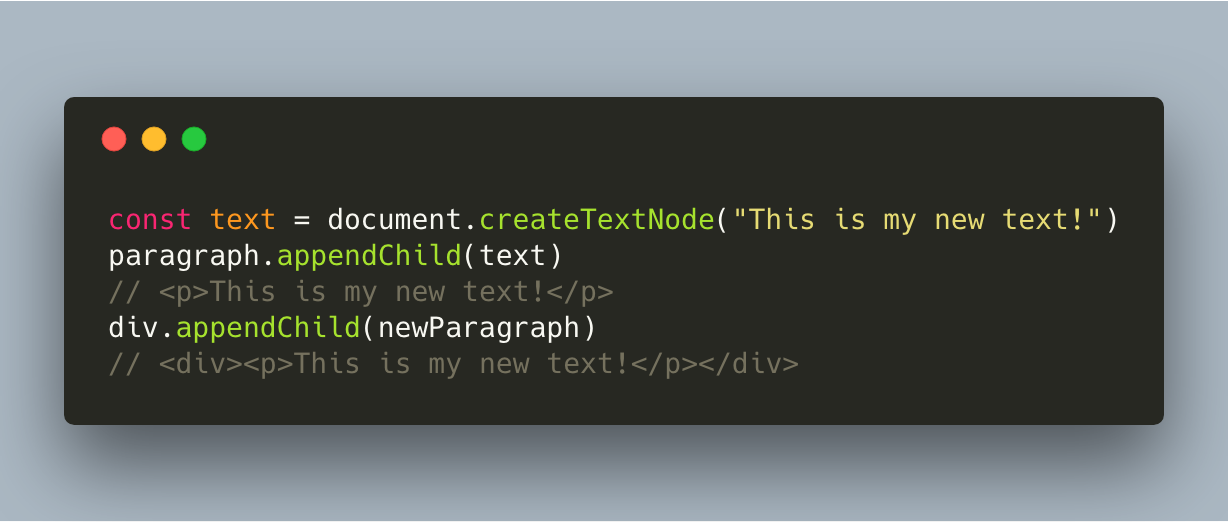
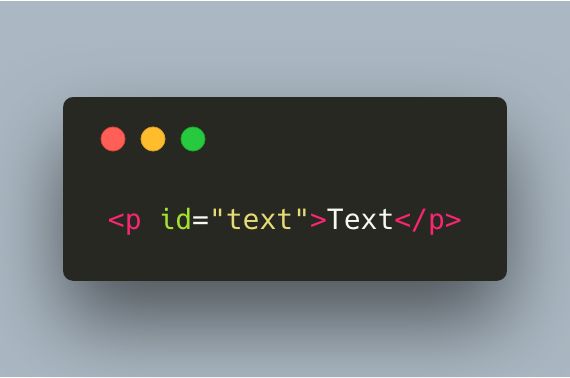
element.setAttribute(attributeName, value)
You can modify or add the value of an element’s attribute with the setAttribute method
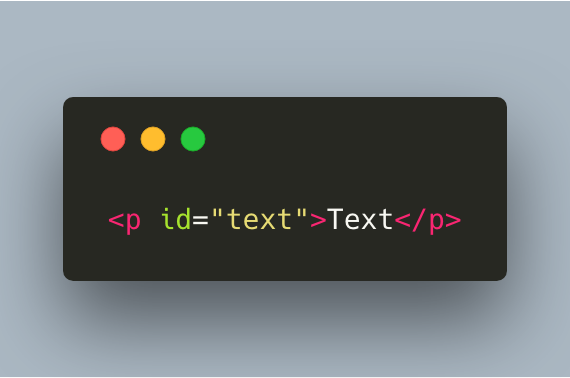
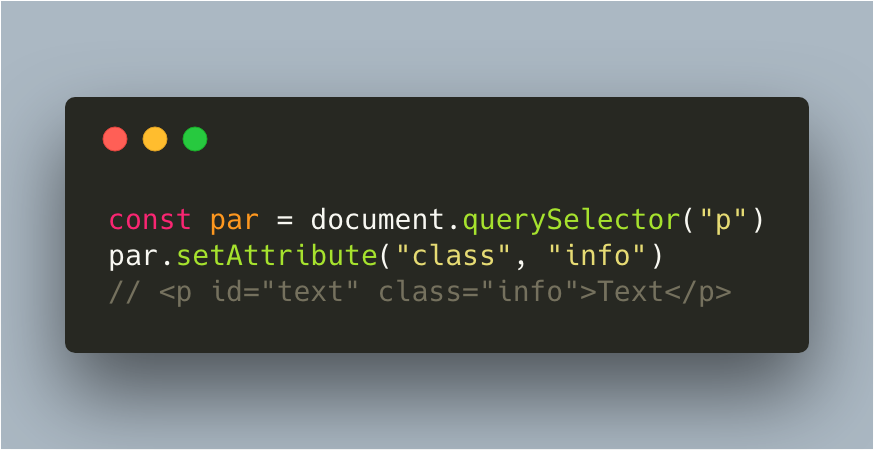
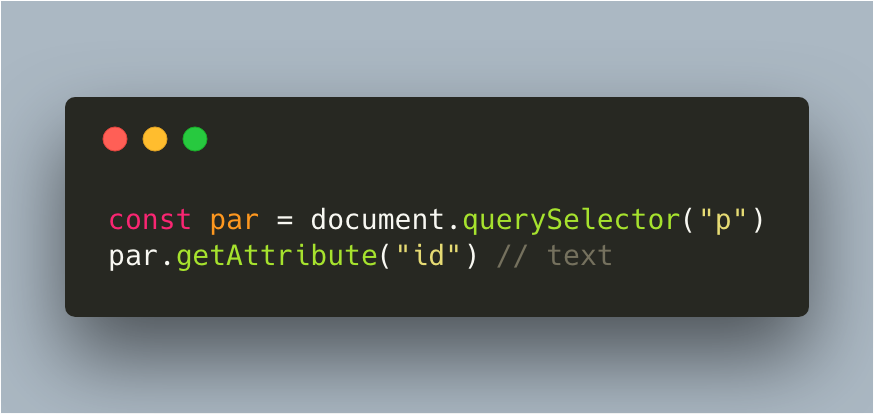
element.getAttribute
Get the value of the specified attribute.
element.addEventListener
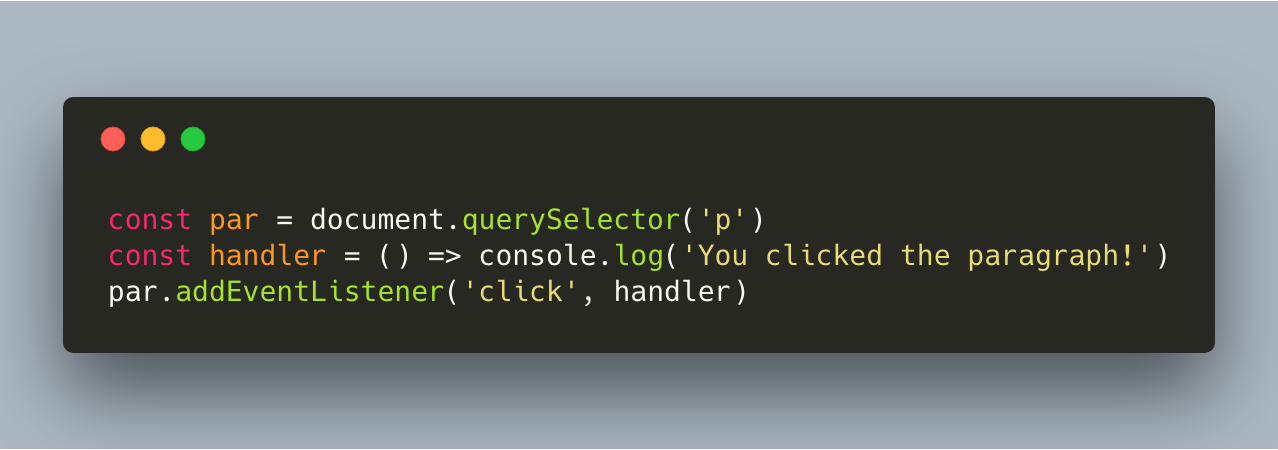
The addEventListener method receives 2 required arguments, and one optional argument:
A string that specifies the name of the event. A list of all possible event names can be found here. (Required)
A function that specifies what to run when the event occurs. (Required)
A boolean values that represents whether the event handler should be executed in the capturing or bubbling phase. By default is this value false, which means it’s executed in the bubbling phase.
References and further reading
- MDN: DocumentThe entry point to the page.
- MDN: querySelectorFind the first match for a CSS selector.
- MDN: createElementBuild new nodes in memory.