Course contents
- 01Variables
- 02Primitive Data Types
- 03Operators
- 04Conditionals
- 05Arrays
- 06Array methods and properties
- 07Objects
- 08Functions
- 09Callbacks
- 10Arrow functions
- 11Promises
- 12Async and await
- 13Loops
- 14DOM Manipulation
- 15Syntax parser
- 16Execution context and hoisting
- 17Call stack
- 18WebAPI and setTimeout
- 19Closures
- 20Function Constructors and Prototypes
- 21By value vs by reference
Arrow functions
Arrow functions
Since the new version of JavaScript, ES2015 got introduced, we have a shorter way of writing functions!
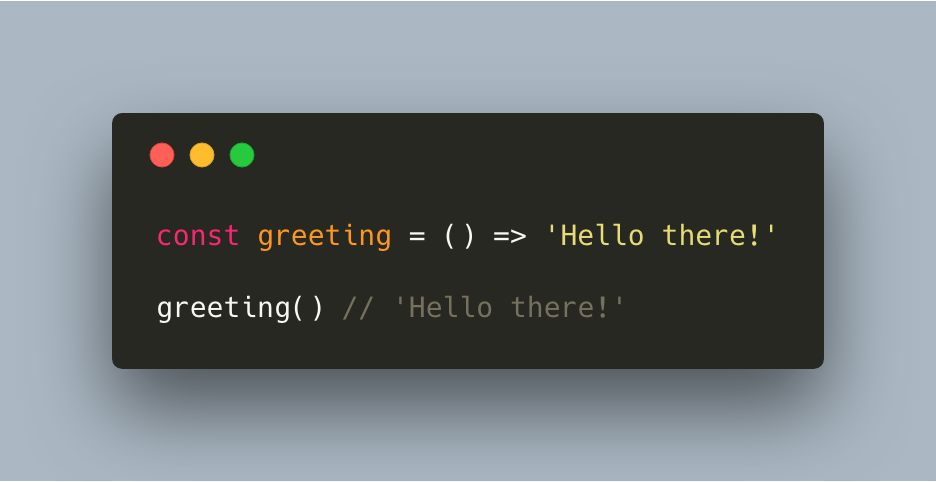
Arrow functions can be written inline, which means that it can save you a lot of space. Comparing the old syntax to the new syntax shows that clearly:
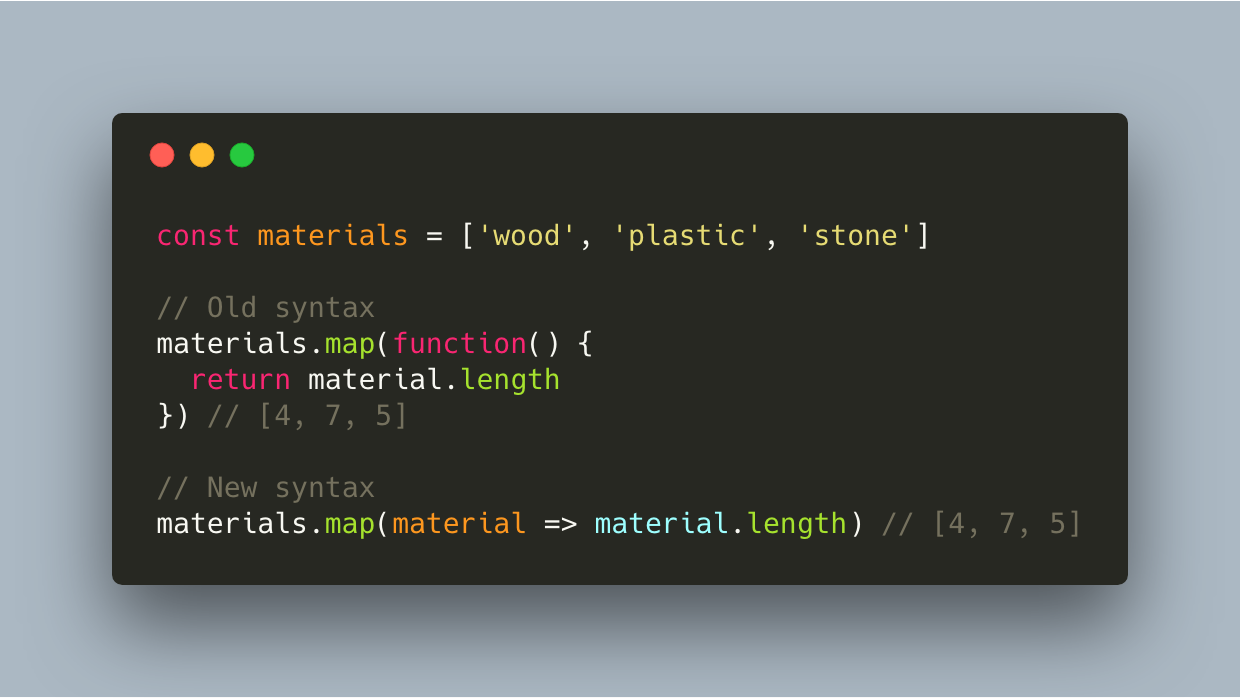
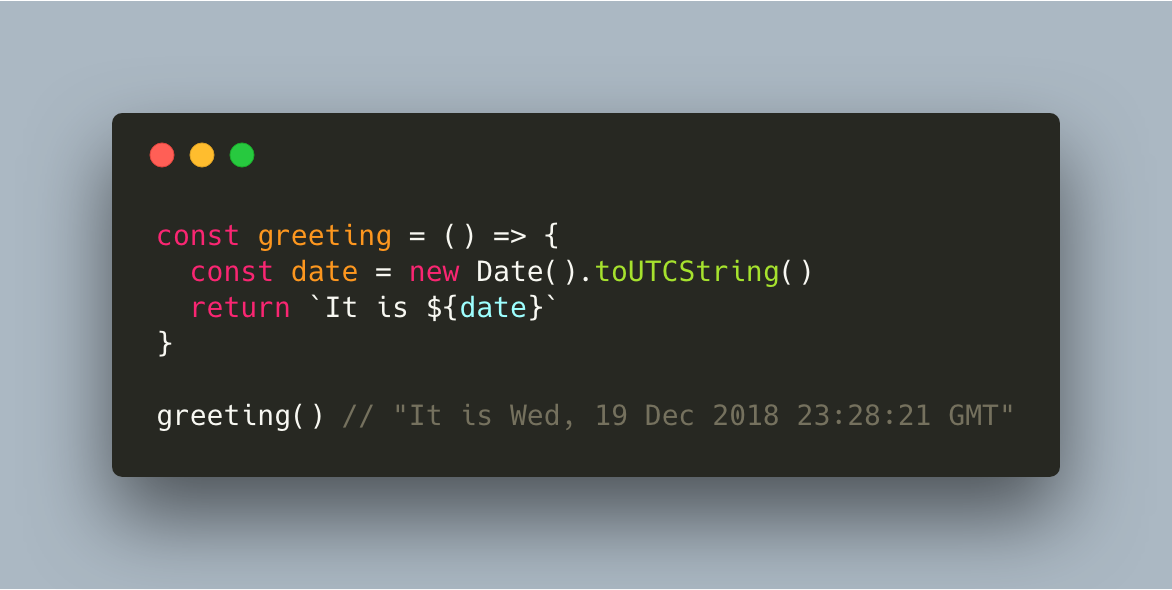
With an arrow function, you don’t necessarily have to type the curly braces. If you don’t, you’re returning the value that comes right after the arrow. However, if you need multiple lines, you need to add curly braces and a return statement.
There are some differences between writing regular functions or writing arrow functions when it comes to the value of the “this “ keyword. This will make a lot more sense once we get to the “this” keyword, however it’s important to remember that with arrow functions, the keyword this refers to its current surrounding scope, unlike regular functions.
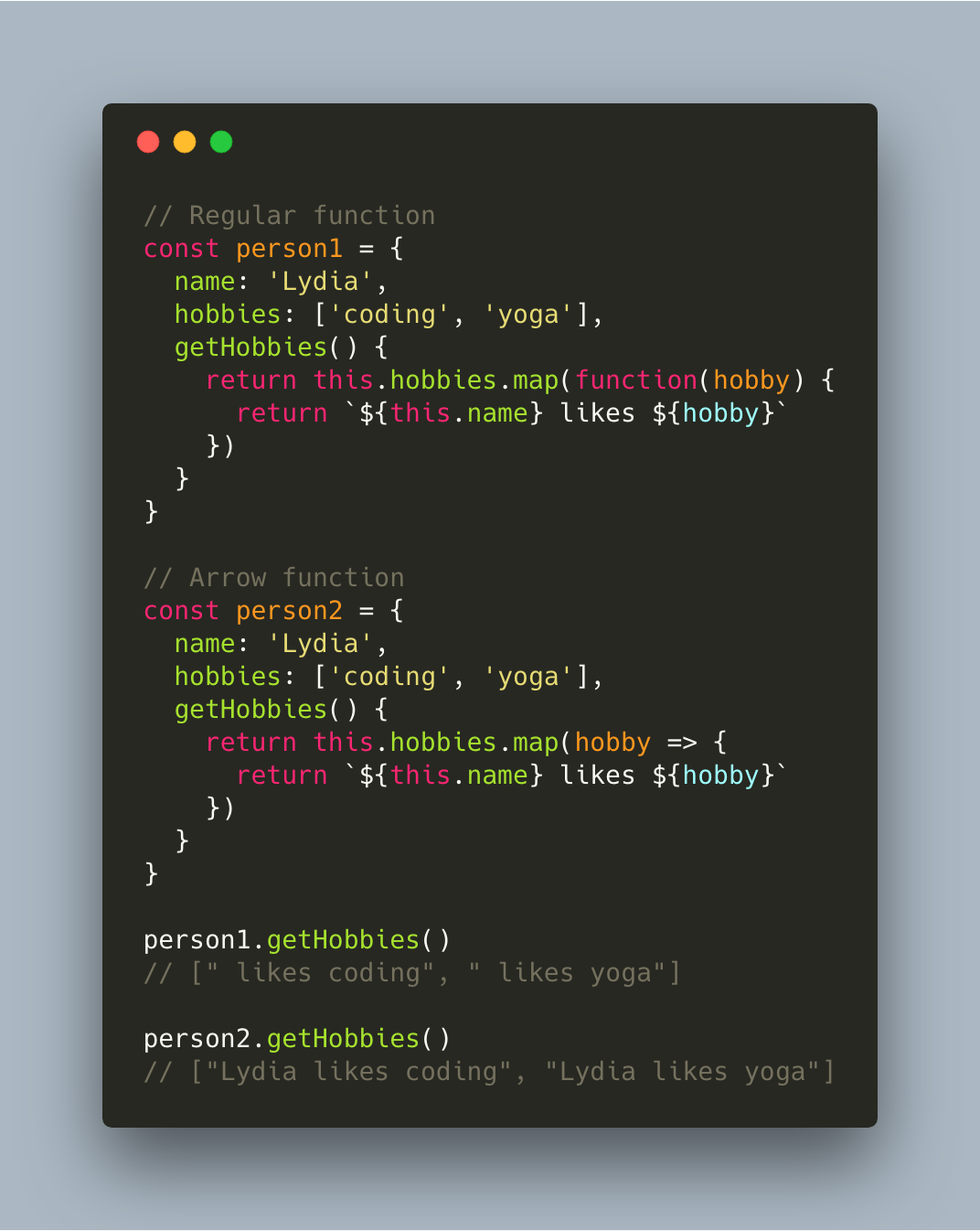
In the first example, JavaScript looked for a name property within the getHobbies function in order to get the value of “this.name”. It couldn’t find it, and returned an empty string. However, when we used the arrow function, “this” referred to the current surrounding scope when we called getHobbies(), which is the “person” object. “this” referred to “person”, and person.name is Lydia.
References and further reading
- MDN: Arrow function expressionsSyntax, this behavior, and limits.
- MDN: thisWhy arrow functions do not rebind this.