Course contents
- 01Variables
- 02Primitive Data Types
- 03Operators
- 04Conditionals
- 05Arrays
- 06Array methods and properties
- 07Objects
- 08Functions
- 09Callbacks
- 10Arrow functions
- 11Promises
- 12Async and await
- 13Loops
- 14DOM Manipulation
- 15Syntax parser
- 16Execution context and hoisting
- 17Call stack
- 18WebAPI and setTimeout
- 19Closures
- 20Function Constructors and Prototypes
- 21By value vs by reference
Promises
Now, imagine that that callback function contained another callback function, then that callback function had another callback function. This would lead to very chaotic code! To avoid that, we use promises. With promises, we can postpone the execution of a code block until an another operation is completed. This way, other operations can keep running without interruption.
A simple way to show how a promise works is by explaining it with a real life example. Let’s say that we promise someone we’ll walk the dog later. You can promise something, but that doesn’t necessarily mean you’ll do it!
A promise can either resolve, or reject. A promise resolves if it actually did what we expected it to do, just like it “promised”. However, if anything went wrong for any reason, the promise rejects.
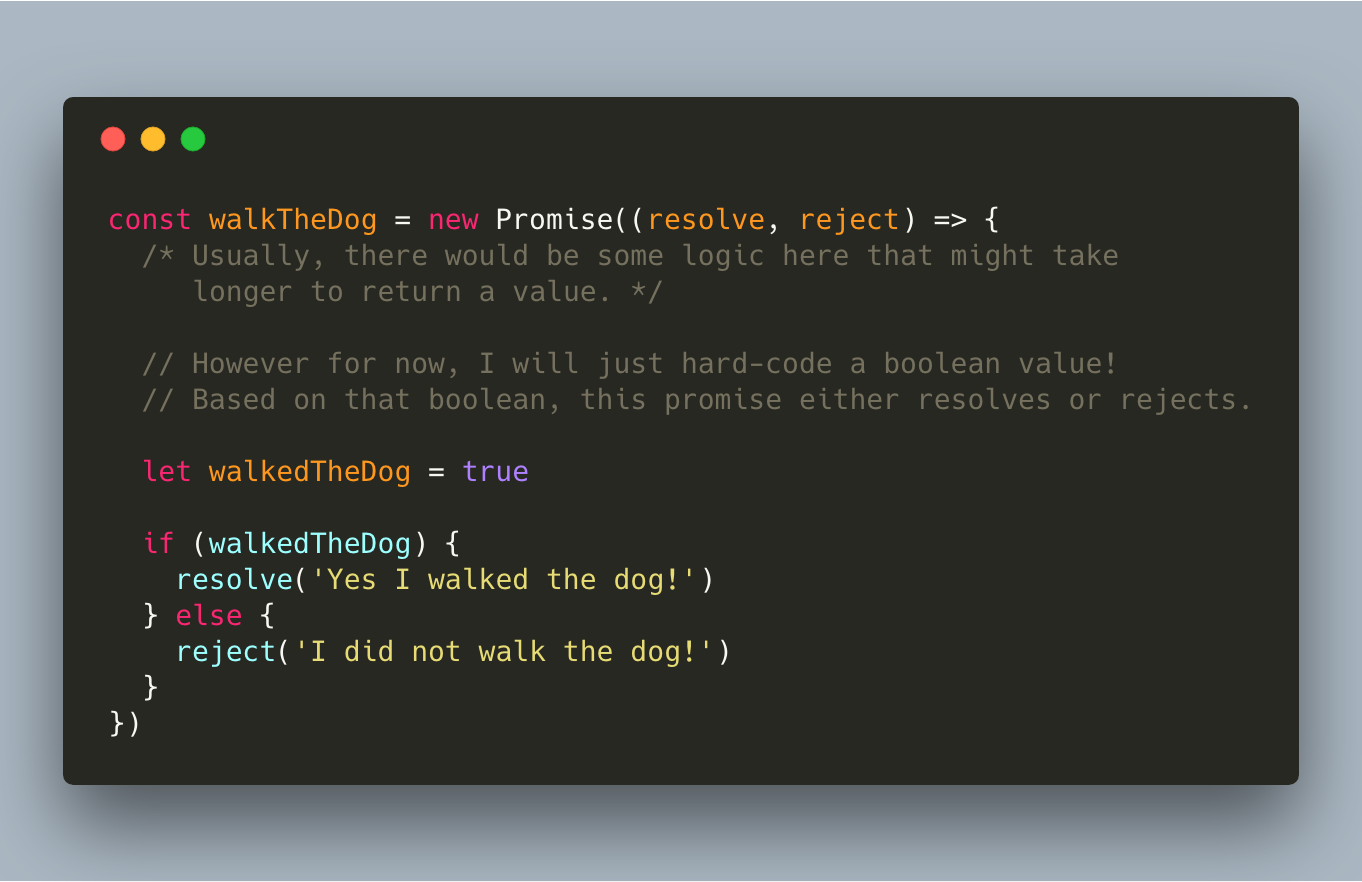
A promise may complete at some point and produce a value. Once that value is ready, it allows you to do something with that value.
Promises have three states:
Pending: the initial state of the promise
Fulfilled: the specified operation was completed.
Rejected: the operation did not complete.
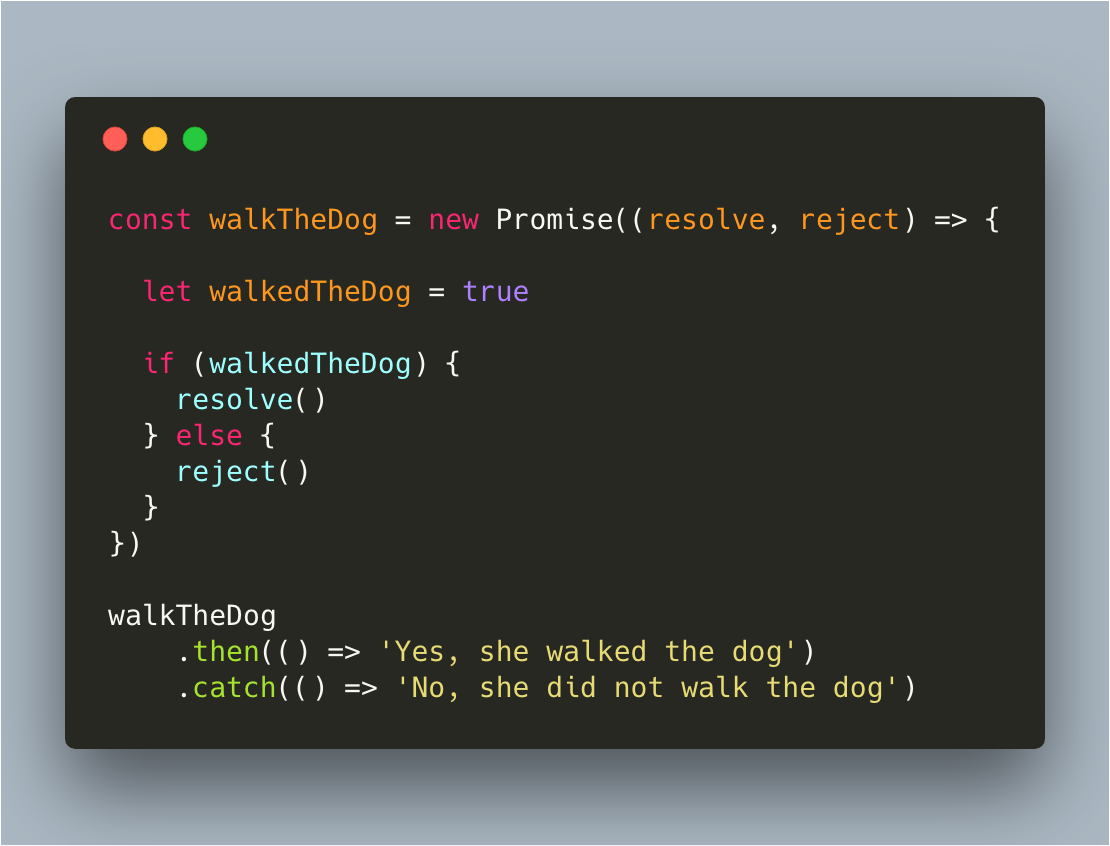
Now, we can do something based on whether the promise has resolved, or rejected. This can be done by using “.then()” or “.catch()”. If a promise resolved, “.then()” will be fired, else “.catch()” will be fired.
We can also pass values from the promise to the “.then()” or “.catch()”. We can do this by adding that value between the parentheses in either “resolve()” or “reject()”. That value then gets passed as an argument to “.then()” or “.catch()”, where we can use it.
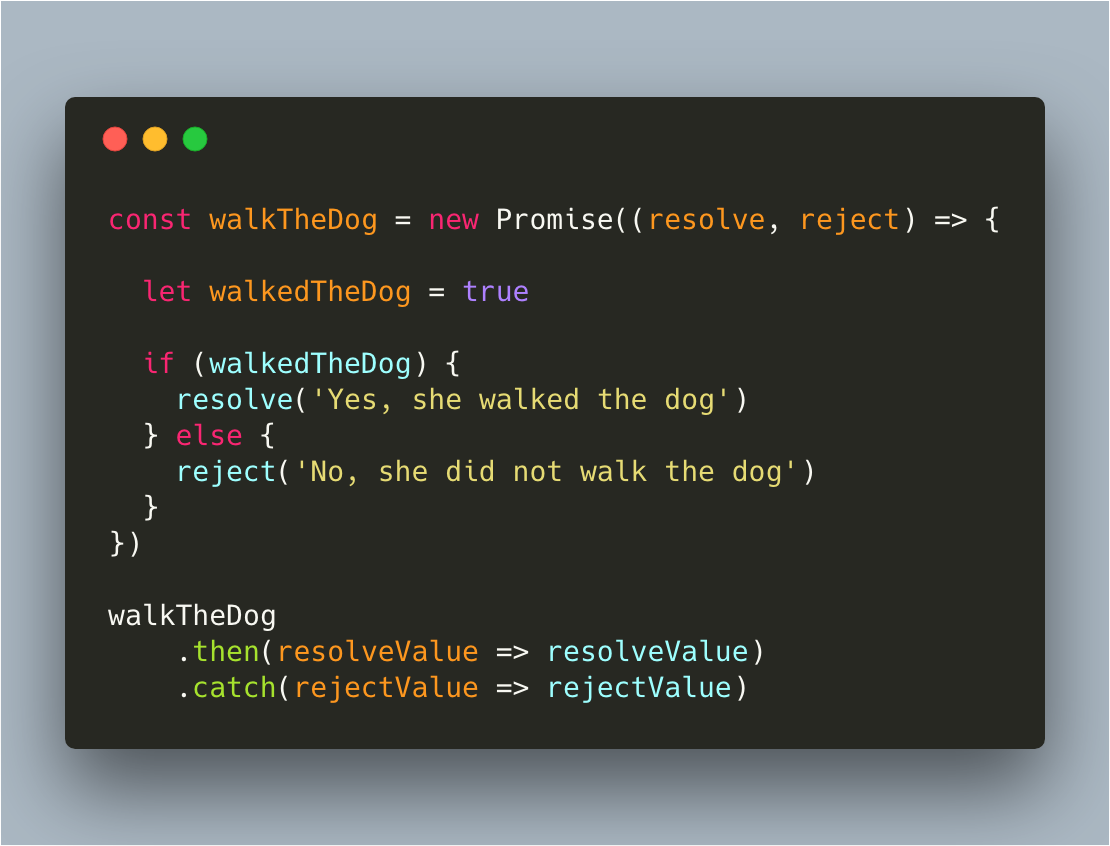
This example, and the example above, actually return the same value. The parameters of the .then() and .catch() have the value of the strings passed to resolve and reject.
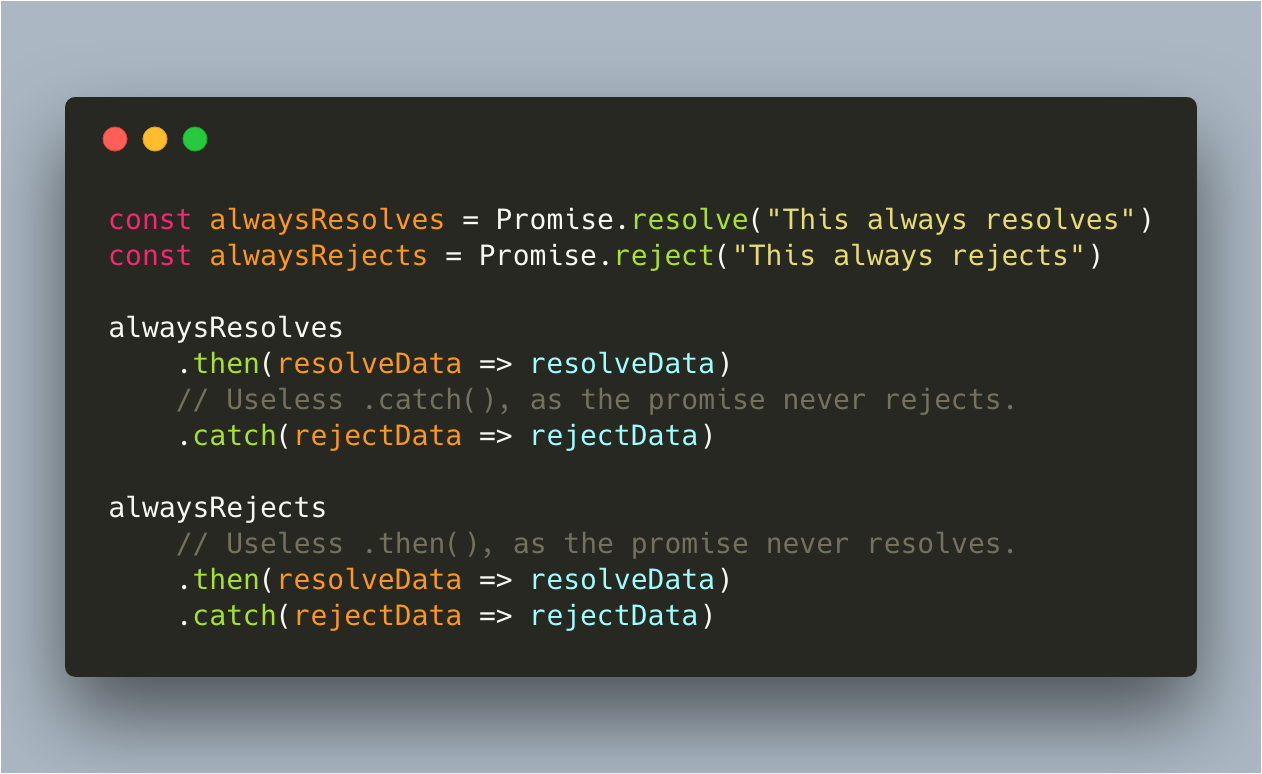
If you always want a promise to resolve, and not even think about the possibility of rejecting, you can simply type Promise.resolve(). If you always want a promise to reject, you can write Promise.reject().
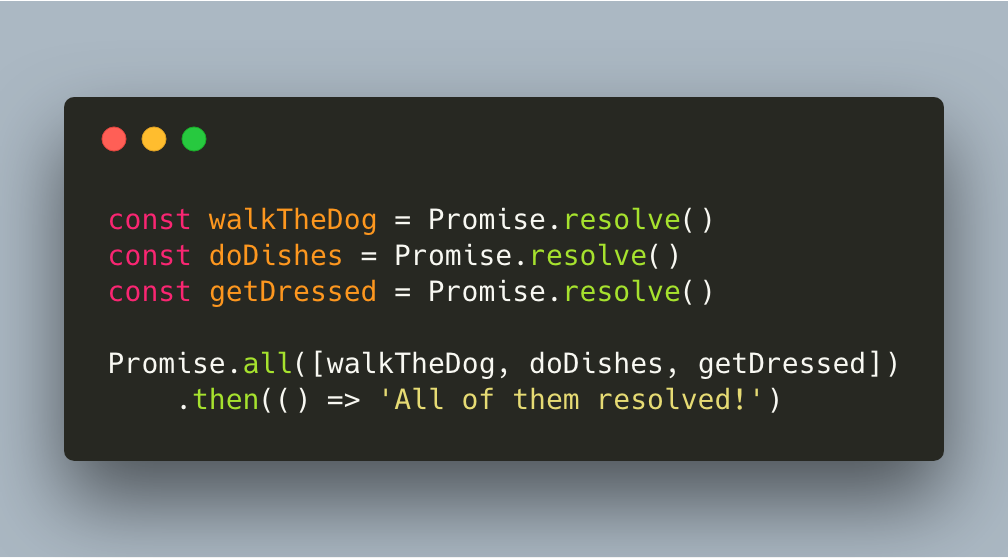
If you want to wait for several promises to all resolve, you can use Promise.all. We pass all promises in an array, and only if all of them resolved, “.then()” will get fired.
References and further reading
- MDN: PromiseStates, chaining, and error handling.
- web.dev: PromisesA practical guide to asynchronous JavaScript.